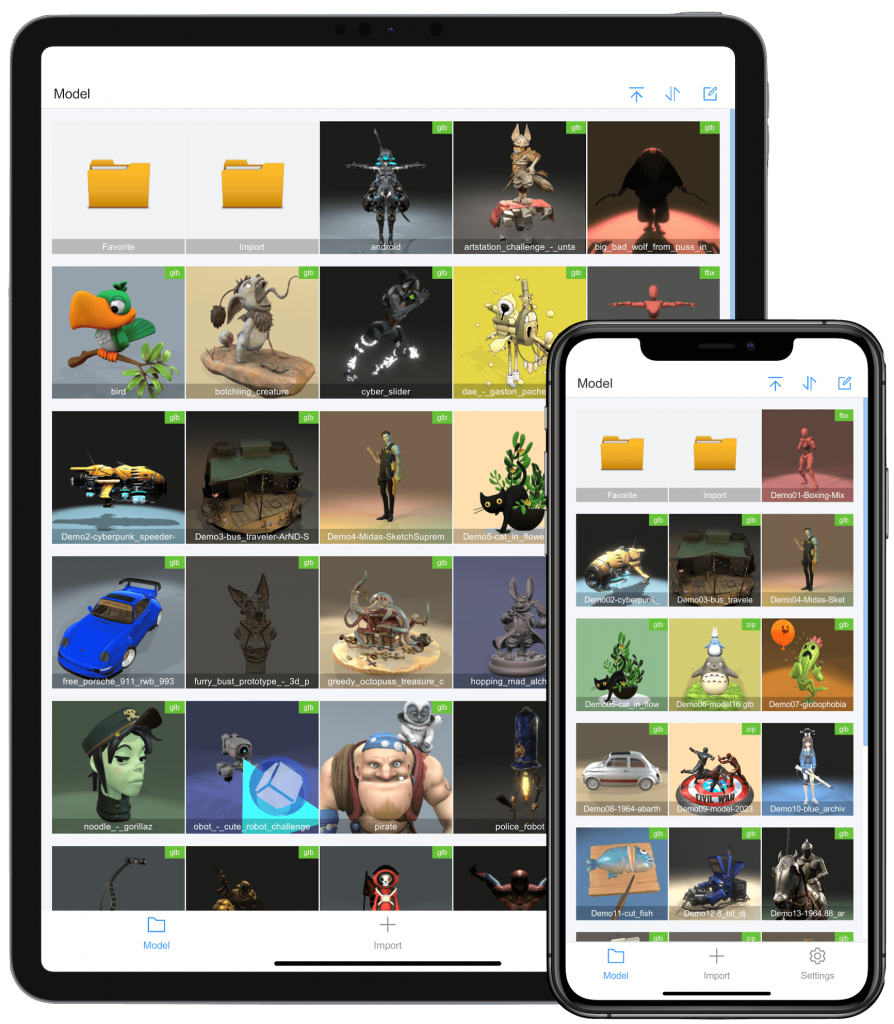

体验3D模型带来的快乐

ModelPlay在移动端支持数千个模型导入,通过3D模型视角、位置、材质、背景、灯光、动画、网格等个性化设置,品味3D模型在不同光影下的质感变化。

3D模型个性化设置

只需通过简单的操作,即可获得非常惊艳的3D效果

灯光设置

通过多项灯光组合设置,营造出丰富多彩的灯光效果。

背景设置

对3D模型所处场景的背景进行设置,获得不同的氛围效果。

材质设置

对3D模型的材质进行设置。

动画设置

支持3D模型骨骼展示,动画播放和暂停。

位置设置

3D模型位置偏移、旋转设置,摄像头视角设置。

网格设置

子网格是否可见切换。

灯光设置

  • 预设灯光组合
  • 灯光颜色
  • 灯光强度
  • 灯光阴影
  • 环境光颜色
  • 光晕强度

背景设置

  • 纯色背景
  • 天空盒背景
  • 是否展示地面

材质设置

  • 默认贴图材质
  • 线条材质
  • 金属材质
  • 透明材质
  • 190种附加材质下载

动画设置

  • 3D模型骨骼展示
  • 动画播放切换
  • 120种附加动画片段

下载ModelPlay

支持iPhone/iPad

联系我们

modelplay.service@gmail.com


Fatal error: Uncaught TypeError: Argument 1 passed to Weglot\Client\Factory\Translate::__construct() must be of the type array, string given, called in /usr/local/lighthouse/softwares/wordpress/wp-content/plugins/weglot/vendor/weglot/weglot-php/src/Client/Endpoint/CdnTranslate.php on line 85 and defined in /usr/local/lighthouse/softwares/wordpress/wp-content/plugins/weglot/vendor/weglot/weglot-php/src/Client/Factory/Translate.php:27 Stack trace: #0 /usr/local/lighthouse/softwares/wordpress/wp-content/plugins/weglot/vendor/weglot/weglot-php/src/Client/Endpoint/CdnTranslate.php(85): Weglot\Client\Factory\Translate->__construct() #1 /usr/local/lighthouse/softwares/wordpress/wp-content/plugins/weglot/vendor/weglot/weglot-php/src/Parser/Parser.php(489): Weglot\Client\Endpoint\CdnTranslate->handle() #2 /usr/local/lighthouse/softwares/wordpress/wp-content/plugins/weglot/vendor/weglot/weglot-php/src/Parser/Parser.php(354): Weglot\Parser\Parser->apiTranslate() #3 /usr/local/lighthouse/softwares/wordpress/wp-content/plugins/weglot/ in /usr/local/lighthouse/softwares/wordpress/wp-content/plugins/weglot/vendor/weglot/weglot-php/src/Client/Factory/Translate.php on line 27